
Understanding Binary Trees: My Journey with Tree Traversal
Understanding Binary Trees: My Journey with Tree Traversal
After working with sorting and searching algorithms, I moved on to something more challenging: binary trees. At first, the concept seemed abstract, but once I started implementing tree traversals myself, everything clicked.
Let me share what I've learned about binary trees and the algorithms I've built to work with them.
What Are Binary Trees?
A binary tree is a two-dimensional data structure where each node can point to at most two other nodes - a left child and a right child.
Here's how I represent a node in JavaScript:
function Node(value) {
    this.value = value;
    this.left = null;
    this.right = null;
}
Simple, right? Each node holds a value and has two pointers: left and right.
Why Binary Trees Matter
Before diving into code, I wanted to understand why binary trees are important. Turns out, they're everywhere:
- File systems - directories and subdirectories
- DOM trees - HTML element hierarchies
- Decision making - game trees, AI algorithms
- Databases - B-trees for indexing
- Search operations - binary search trees
Understanding trees has helped me think differently about organizing data.
Tree Terminology I Had to Learn
When I started, the terminology was confusing. Here's what I figured out:
- Root: The top node (no parent)
- Leaf: A node with no children (degree = 0)
- Degree: Number of children a node has
- Depth: The number of levels in the tree
- Parent/Child: A node and its direct descendants
- Siblings: Nodes that share the same parent
Tree Traversal Algorithms
The most important thing I learned: there are different ways to "visit" all nodes in a tree. The order matters!
I implemented three main traversal methods.
1. Pre-order Traversal (DLR)
Order: Data → Left → Right
Visit the current node first, then go left, then right.
/**
 * Pre-order Traversal (DLR)
 * D = Data, L = Left, R = Right
 */
function DLR(root) {
    if (!root) return; // Base case: no node

    console.log(root.value);  // Visit current node
    DLR(root.left);           // Traverse left subtree
    DLR(root.right);          // Traverse right subtree
}
When I use it: When I need to process parent nodes before their children. Great for copying a tree or creating a prefix expression.
2. In-order Traversal (LDR)
Order: Left → Data → Right
Go left first, visit the node, then go right.
/**
 * In-order Traversal (LDR)
 * L = Left, D = Data, R = Right
 */
function LDR(root) {
    if (!root) return;

    LDR(root.left);           // Traverse left subtree
    console.log(root.value);  // Visit current node
    LDR(root.right);          // Traverse right subtree
}
When I use it: For binary search trees, this gives values in sorted order! That's pretty cool.
3. Post-order Traversal (LRD)
Order: Left → Right → Data
Visit children before the parent.
/**
 * Post-order Traversal (LRD)
 * L = Left, R = Right, D = Data
 */
function LRD(root) {
    if (!root) return;

    LRD(root.left);           // Traverse left subtree
    LRD(root.right);          // Traverse right subtree
    console.log(root.value);  // Visit current node
}
When I use it: When I need to delete a tree or calculate something bottom-up (like tree size or depth).
Visualizing the Difference
Let's say I have this tree:
      a
     / \
    b   e
   / \   \
  c   d   f
Here's what each traversal outputs:
DLR(a); // Pre-order:  a, b, c, d, e, f
LDR(a); // In-order:   c, b, d, a, e, f
LRD(a); // Post-order: c, d, b, f, e, a
The order completely changes! This was mind-blowing when I first saw it work.
Reconstructing a Tree from Traversals
Here's where things got really interesting. I learned that if you have two traversal results, you can rebuild the entire tree!
Specifically: Pre-order + In-order gives you the full tree structure.
How It Works
- The first element in pre-order is always the root
- Find that root in the in-order result
- Everything to the left in in-order = left subtree
- Everything to the right in in-order = right subtree
- Recursively rebuild left and right subtrees
Here's my implementation:
/**
 * Reconstruct a tree from pre-order and in-order traversals
 * @param {string} dlr - Pre-order traversal result (e.g., "abcde")
 * @param {string} ldr - In-order traversal result (e.g., "cbdae")
 */
function getTree(dlr, ldr) {
    dlr = dlr.split("");
    ldr = ldr.split("");

    // Validation
    if (dlr.length !== ldr.length) {
        throw new Error("Invalid traversal values");
    }
    if (dlr.length === 0) return null;

    // The first element in pre-order is the root
    var rootValue = dlr[0];
    var root = new Node(rootValue);

    // Find root position in in-order traversal
    var index = ldr.indexOf(rootValue);

    // Build left subtree
    var leftLDR = ldr.slice(0, index).join("");
    var leftDLR = dlr.slice(1, leftLDR.length + 1).join("");
    root.left = getTree(leftDLR, leftLDR);

    // Build right subtree
    var rightLDR = ldr.slice(index + 1).join("");
    var rightDLR = dlr.slice(leftLDR.length + 1).join("");
    root.right = getTree(rightDLR, rightLDR);

    return root;
}
Testing It Out
var root = getTree("abcde", "cbdae");
console.log(root);

// This reconstructs the tree:
//       a
//      / \
//     b   e
//    / \
//   c   d
The first time this worked, I was amazed. From just two strings, I could rebuild the entire tree structure!
Calculating Tree Depth
Another useful algorithm I implemented: finding how deep a tree is.
/**
 * Calculate the depth (height) of a binary tree
 * @param {Node} root - The root node
 * @returns {number} The depth of the tree
 */
function getDeep(root) {
    if (!root) return 0; // Empty tree has depth 0

    // Recursively get depth of left and right subtrees
    var leftDepth = getDeep(root.left);
    var rightDepth = getDeep(root.right);

    // Depth = max of left/right + 1 (for current level)
    return Math.max(leftDepth, rightDepth) + 1;
}
Example Usage
var root = getTree("abcde", "cbdae");
console.log(getDeep(root)); // Output: 3
The tree has 3 levels, so depth = 3. Makes sense!
Building Trees Manually (For Testing)
When I was testing my code, I also created trees manually to understand the structure better:
// Create nodes
var a = new Node("a");
var b = new Node("b");
var c = new Node("c");
var d = new Node("d");
var e = new Node("e");
var f = new Node("f");

// Build the tree structure
a.left = b;
a.right = e;

b.left = c;
b.right = d;

e.left = f;

// Now test traversals
console.log("Pre-order:");
DLR(a); // a, b, c, d, e, f

console.log("In-order:");
LDR(a); // c, b, d, a, f, e

console.log("Post-order:");
LRD(a); // c, d, b, f, e, a
Building trees manually helped me visualize what the traversal algorithms were doing.
What I Learned About Recursion
Implementing these tree algorithms taught me a lot about recursion. Each function:
- Has a base case (empty node returns)
- Makes recursive calls to subtrees
- Combines results appropriately
The key insight: every subtree is itself a valid tree! This makes recursion perfect for tree operations.
Common Patterns I Noticed
After writing several tree functions, I saw patterns:
Pattern 1: Check for null first
if (!root) return; // or return 0, return null, etc.
Pattern 2: Process in order (pre/in/post)
// Pre-order: process, then recurse
process(root);
recurse(root.left);
recurse(root.right);

// In-order: left, process, right
recurse(root.left);
process(root);
recurse(root.right);

// Post-order: recurse, then process
recurse(root.left);
recurse(root.right);
process(root);
Pattern 3: Combine results
var left = process(root.left);
var right = process(root.right);
return combine(left, right);
Practical Applications
Where have I used this knowledge?
- DOM manipulation - Understanding how React's virtual DOM works
- File system operations - Thinking about directory structures
- Decision trees - For simple game logic
- Understanding frameworks - How component trees work in React
Next Steps in My Learning
Things I want to explore next:
- Binary Search Trees - Special trees optimized for searching
- Balanced Trees - AVL trees, Red-Black trees
- Breadth-First Search - Level-by-level traversal
- Depth-First Search - For graph-like trees
- Tree comparison - Comparing two trees for equality
Complete Example
Here's everything working together:
// Build a tree from traversals
var tree = getTree("abcde", "cbdae");

// Calculate depth
console.log("Tree depth:", getDeep(tree)); // 3

// Test all traversals
console.log("\nPre-order (DLR):");
DLR(tree); // a, b, c, d, e

console.log("\nIn-order (LDR):");
LDR(tree); // c, b, d, a, e

console.log("\nPost-order (LRD):");
LRD(tree); // c, d, b, e, a
Output:
Tree depth: 3

Pre-order (DLR):
a b c d e

In-order (LDR):
c b d a e

Post-order (LRD):
c d b e a
Key Takeaways
After working through binary trees, here's what I learned:
- Recursion is powerful - Tree algorithms are naturally recursive
- Order matters - Different traversals serve different purposes
- Two traversals = full tree - Pre-order + In-order can rebuild any tree
- Think in subtrees - Each part of a tree is itself a tree
- Base cases are critical - Always handle the null case
Final Thoughts
Binary trees seemed complicated at first, but implementing these algorithms myself made everything clear. The key is understanding that trees are just nodes with pointers - once you grasp that, the rest follows.
If you're learning trees, my advice: build them manually first, then implement traversals, then try the reconstruction algorithm. Each step builds on the previous one.
The code I shared here is what I actually wrote while learning. It's not perfect, but it works, and that's how I learn best - by doing.
Have questions about tree traversals or found a better way to do something? I'd love to hear about it! Still learning and always improving.
Share this article
Related Articles
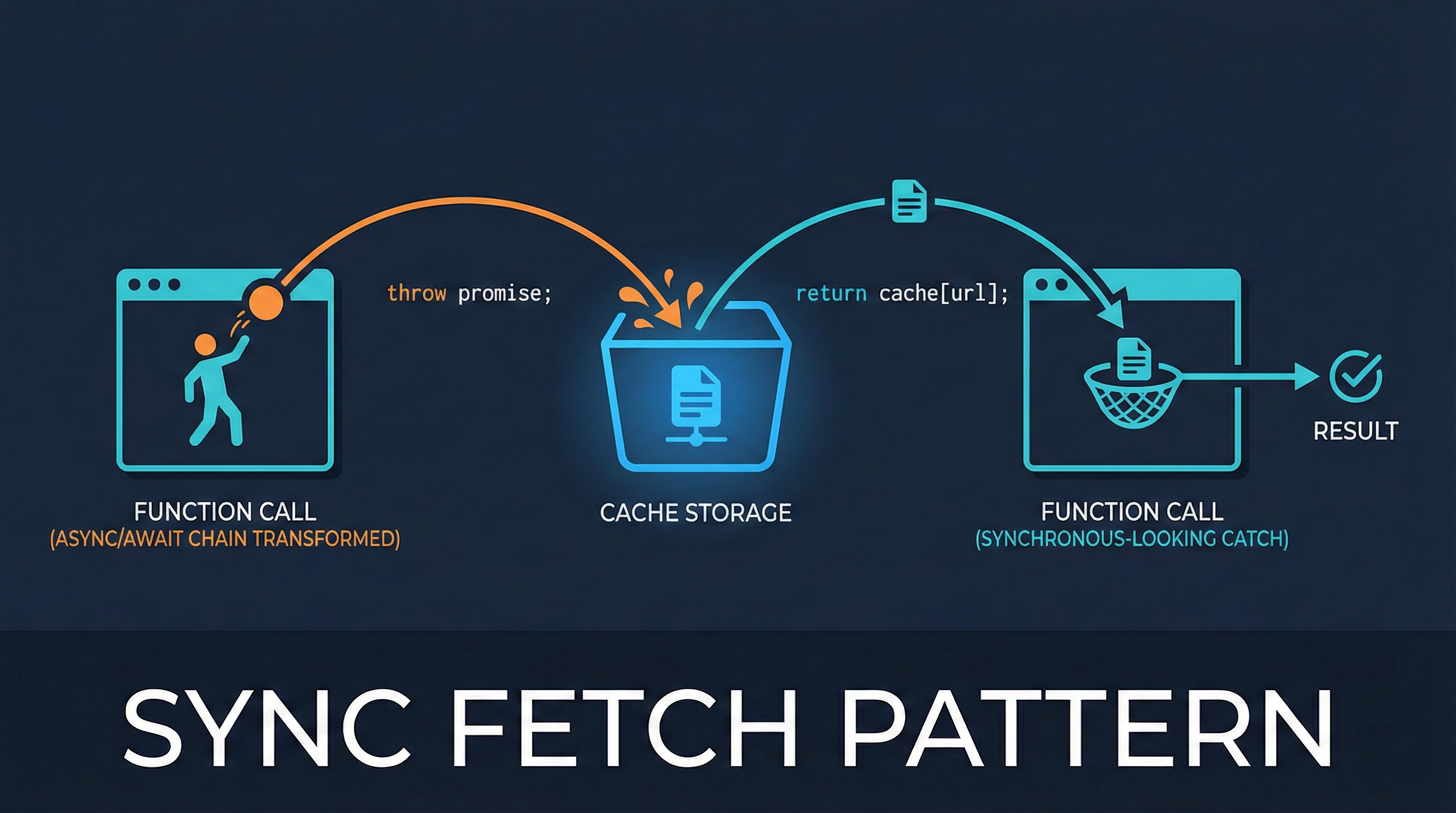
Sync Fetch Pattern: Escape the Async/Await Chain
Learn how to use the throw-to-suspend pattern to get synchronous-looking code from async fetch operations. This technique powers Vue Suspense and React Suspense under the hood.

My Notes on Sorting and Searching Algorithms
Personal notes and implementations of common sorting and searching algorithms I've been studying. Includes Selection Sort, Bubble Sort, Insertion Sort, Quick Sort, and various search techniques with JavaScript code examples.